

Record the trade
Keep the setup, prices, notes, screenshots, and TradingView links together.
 Proofline
Record the setup, entry, stop, targets, position size, notes, and chart. Then review P&L, risk, sessions, and rule breaks without switching between spreadsheets and screenshots.
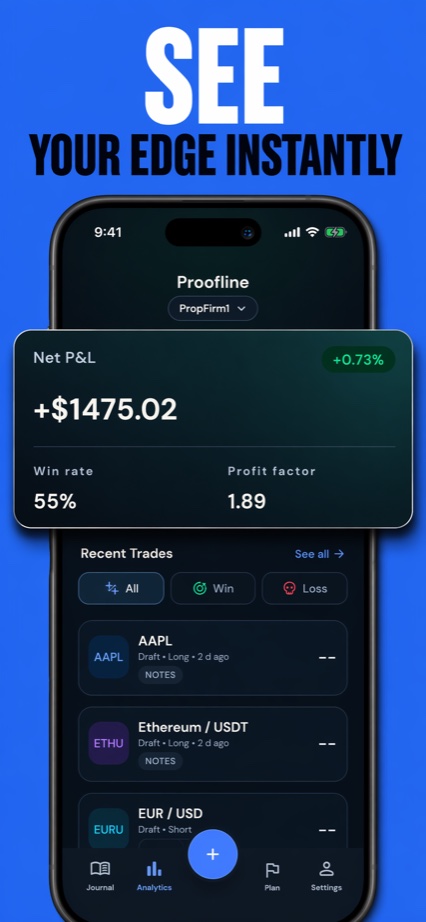
Record on mobile · review on any screen
Keep the setup, prices, notes, screenshots, and TradingView links together.
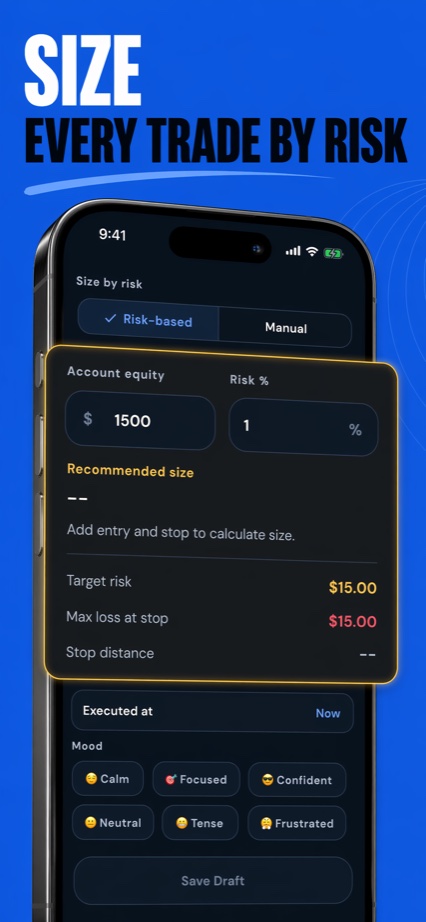
Calculate position size from account balance, stop distance, and risk per trade.
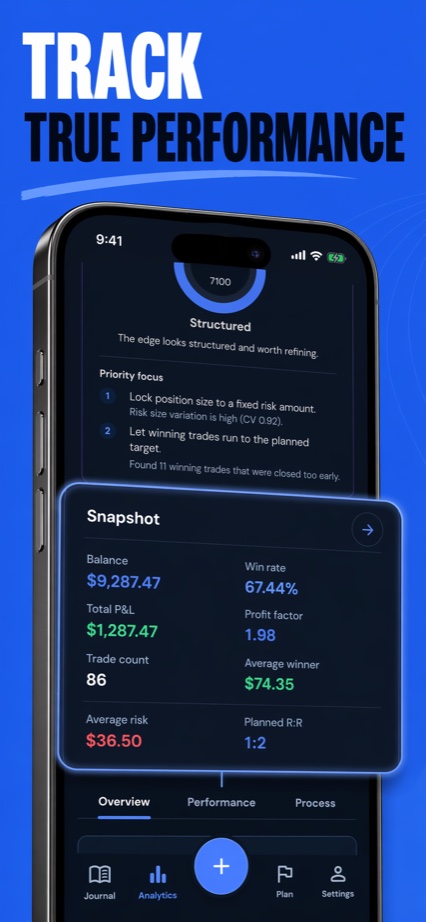
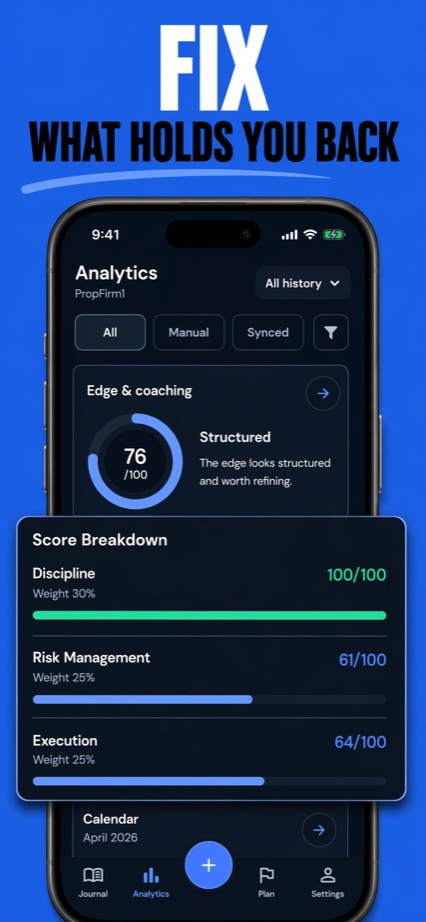
Compare P&L, drawdown, sessions, exits, and written rule breaks.
A winning trade can break your rules. A losing trade can follow them. Your journal should show both.
What you can review
Keep the trade plan and result together, then compare performance across days, sessions, symbols, and setups.
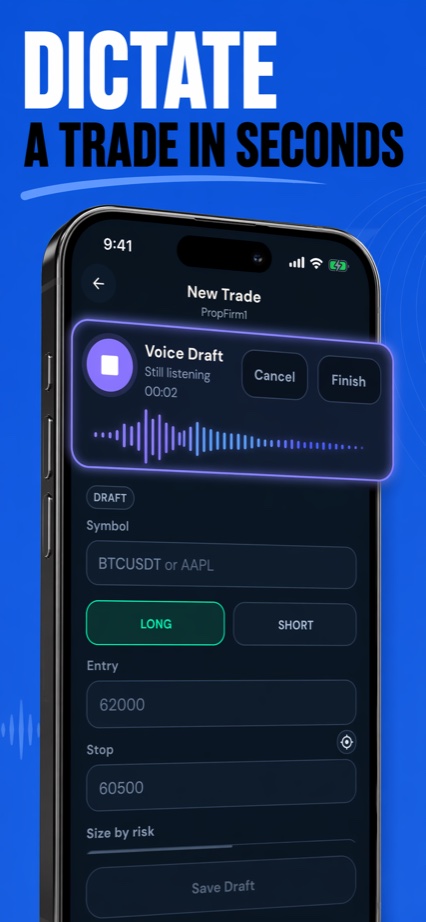
Save entry, stop, TP levels, position size, notes, screenshots, and links with the trade.
Enter balance, stop distance, and risk per trade to calculate a position size.
Review rapid re-entry, changing risk, high trade frequency, and exits before planned R.
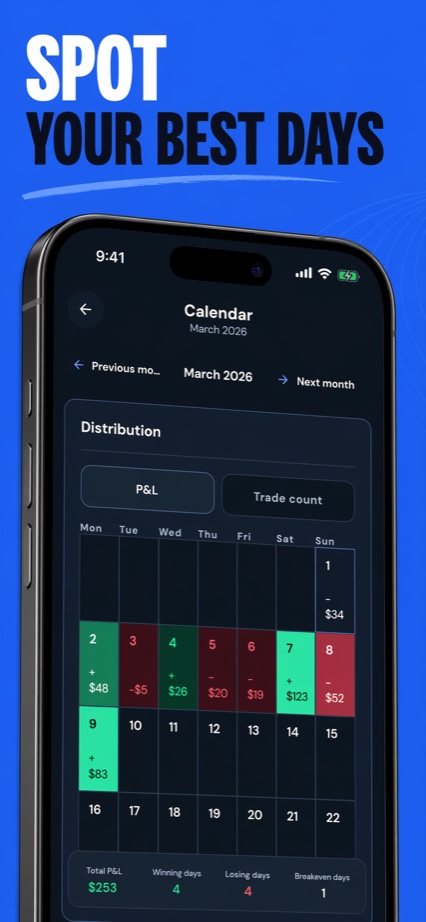
Use the calendar and session breakdowns to compare trade count, P&L, and timing.
A simple routine
Proofline records your plan and result. It does not predict markets or tell you what to trade.
Add the setup, entry, stop, targets, and risk before or during the trade.
Add the exit, result, notes, and chart while the trade is still fresh.
Review performance by setup, symbol, session, day, risk, and rule break.
Who it is for
You want one place for manual or imported trades, risk calculations, charts, notes, and performance review.
You want buy and sell calls, copy trading, brokerage services, or guaranteed returns. Proofline does not provide them.
Download Proofline on the App Store or Google Play. If something gets in the way of logging or reviewing a trade, send us a note.